
by content@click4corp.com | Dec 26, 2025 | Uncategorized

Are IoT devices remotely controllable, and can you really manage them from anywhere? This is one of the most common questions asked when looking into smart technology. The short answer is yes. IoT devices are designed to be remotely controlled, monitored, and managed over the internet. In this guide, we will break it all down simply for you.
At Skylink WiFi, we help people use IoT technologies to control devices, manage systems, and stay connected from any location. Whether you are using a smart home setup, a security camera, or an industrial IoT system, remote access makes daily life easier and safer.
What Does It Mean to Control IoT Devices Remotely?
A remote control lets you access IoT devices from anywhere via the internet. These connected devices link to an IoT network and allow users to monitor and control devices in real time.
IoT stands for the Internet of Things. It includes smart devices like:
- Smart home systems
- Security cameras and security systems
- Smart vehicles and driver tracking tools
- Industrial IoT devices
- Sensors and monitoring tools
With remote access to IoT devices, you do not need to be near them. You can control these devices using apps, dashboards, or cloud platforms.
How IoT Devices Are Remotely Controlled
Remote Access Through the Internet
Most IoT devices connect to the internet via WiFi, cellular data, or other networks. Once connected, you can:
- Remotely access IoT devices
- Monitor device status
- Control settings and actions
- Receive alerts in real time
This allows devices from anywhere to stay connected, even in remote locations.
IoT Device Management Platforms
IoT device management tools help with managing IoT devices remotely. These platforms serve as management solutions that let you control and monitor a large number of devices.
Common features include:
- Remote connection and control
- IoT remote monitoring systems
- Firmware updates
- Access control for users
- Monitoring solution dashboards
Popular systems like AWS IoT device management help businesses manage and control IoT devices at scale.
Are IoT Devices Remotely Controllable in a Smart Home?
Yes, are IoT devices remotely controllable is especially true in a smart home. Smart home devices use IoT technologies to make daily life simple.
You can remotely control:
- Smart lights
- Thermostats
- Door locks
- Security cameras
- Alarm and security systems
You can use phone or tablet to control your IoT devices from anywhere, even when traveling or driving.
IoT Remote Monitoring and Control Explained
What Is IoT Remote Monitoring?
IoT remote monitoring allows users to watch devices and systems in real time. This includes checking performance, usage, and alerts.
IoT remote monitoring involves:
- Sensors sending live data
- Devices connecting to the internet
- Dashboards showing updates
- Alerts when issues appear
Benefits of IoT Remote Monitoring
Some key benefits of IoT remote monitoring include:
- Effective remote control
- Better device health
- Faster response to issues
- Easy management of devices
- Control and monitor systems from a distance
IoT remote monitoring helps companies and homeowners save time and improve safety.
Ways to Control IoT Devices Remotely
There are several ways to control IoT devices remotely, depending on the setup.
Common Control Methods
- Mobile apps for smart devices
- Web dashboards for device management
- Cloud platforms like AWS IoT
- Secure remote access tools
- Remote access IoT device SSH for advanced users
These options make it easy to interact with IoT devices, even when devices are in remote locations.
Security and Access Control for IoT Devices
Are IoT Devices Secure?
Security is a top concern. IoT devices can be secure when properly configured.
Good security includes:
- Encrypted remote connections
- User access control
- Secure IoT network setup
- Regular updates and patches
- Managed IoT systems
With proper control and management, users can safely access IoT devices over the internet.
Managing Access to IoT Devices
Access control IoT devices features let owners decide who can view or control devices. This helps protect connected devices and data.
Industrial IoT and Remote Device Management
Industrial IoT systems often handle a large number of devices across many locations.
Remote IoT device management helps with:
- Monitoring devices in real time
- Managing IoT devices remotely
- Reducing downtime
- Supporting devices from a remote location
Industrial IoT relies on strong remote control and management to keep systems running smoothly.
Challenges in Remote IoT Management
While IoT offers many benefits, there are challenges in remote IoT setups:
- Internet connection issues
- Managing a high number of IoT devices
- Security risks if systems are not updated
- Integration of IoT remote tools
Using a trusted provider and a strong management solution helps overcome these challenges.
Why Work With a Professional IoT Provider?
Using IoT the right way requires planning, setup, and ongoing management. A professional team helps you:
- Manage your IoT devices
- Control IoT devices remotely
- Monitor and manage devices easily
- Set up secure remote access
- Support devices and systems long-term
This ensures your IoT ecosystem works smoothly and safely.
Final Thoughts: Can You Control IoT Devices From Anywhere?
So, are IoT devices remotely controllable? Yes, they are. IoT devices can be accessed, monitored, and controlled from any location using secure internet connections. From smart homes to industrial IoT, remote access gives users complete control of their connected devices.
At Skylink WiFi, we help homeowners and drivers manage their IoT devices with ease, using reliable tools and secure systems built for real-world use.
FAQs About IoT Remote Control
How are IoT devices controlled?
IoT devices are controlled via apps, dashboards, or cloud platforms that connect over the internet and enable remote access.
How do you control an IoT-connected smart device?
You can control a smart device through a mobile app or web platform that connects to the IoT network.
Are IoT devices programmable?
Yes, many IoT devices can be programmed to follow schedules, triggers, or automated actions.
Are IoT devices secure?
IoT devices are secure when proper access control, encryption, and device management tools are used.
Can IoT devices be accessed from anywhere?
Yes, IoT devices can be accessed from anywhere as long as they are connected to the internet and set up for remote access.
Contact Skylink WiFi Today
If you want to manage and control IoT devices remotely, now is the right time to work with a trusted local provider. Skylink WiFi offers IoT solutions, remote device management, smart home systems, security cameras, and connected device support across multiple service areas.
Call (469) 972-4459 today to book an appointment or explore our full lineup of IoT services and products designed to keep your devices connected and under control.
Also Read:
Why Does My Router Have an IoT Network? Discover Why It Matters for Your Home
What is an Example of an IoT device? (Internet of Things Devices That Make Life Easier)
What is an IoT Device on My WiFi? (A Simple Guide to Understanding Your Smart Network)

by content@click4corp.com | Dec 15, 2025 | Uncategorized
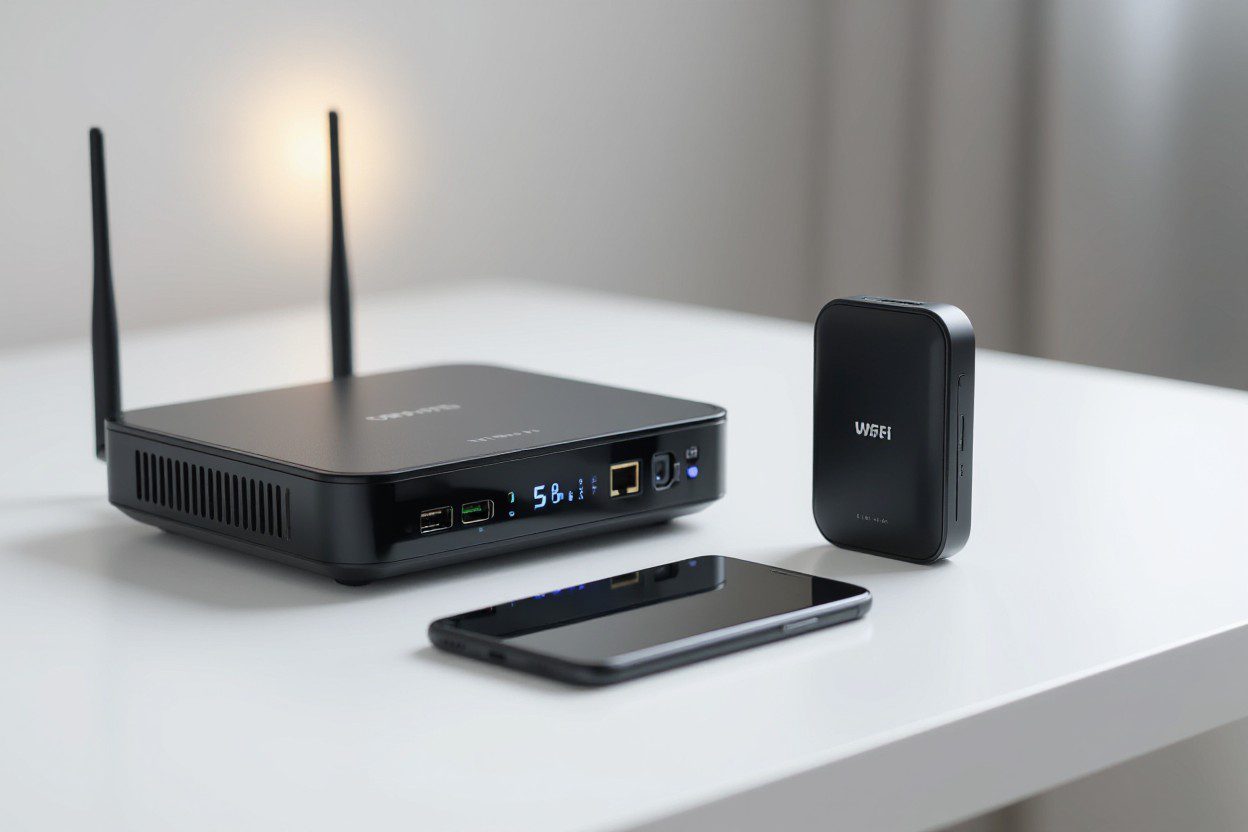 If you recently looked at your Wi-Fi settings and saw an extra SSID labeled “IoT,” you are not alone. Many ask, Why does my router have an IoT network? This feature is usually included in newer consumer-grade routers because many people now use smart lights, sensors, security cameras, thermostats, and other wireless devices every day. When you have an IoT connection, your router keeps smart devices separate from your main network to improve security and better manage network usage. SkyLink WiFi helps families, offices, and businesses enjoy strong, seamless connectivity through trusted internet solutions and smart networking systems built for modern needs.
Understanding What an IoT Network Actually Is
An IoT connection is short for Internet of Things network. This type of wireless setup allows connected devices to access your internet without using the same bandwidth and access as your main Wi-Fi.
Devices that usually connect to IoT Wi-Fi include:
- Smart home devices
- Security cameras
- Remote sensors
- Smart plugs
- Smart thermostats
- Wireless security systems
- Small appliances with network adapters
These devices often need constant access to the internet for data transmission or remote monitoring. Having them share the same Wi-Fi as your phones, laptops, or gaming devices can slow everything down. That is why many routers can support an IoT-only SSID.
Why Does My Router Have an IoT Network?
Your router may provide this network for several key reasons that affect safety, performance, and management.
It Helps Improve Security
IoT devices often lack strong security features. Many do not use updated firmware, most rely on default passwords, and some are vulnerable to cyberattacks. When your router separates these devices into a dedicated group, it protects your primary network.
This keeps personal devices like laptops and phones away from vulnerable devices.
Routers can use firewall rules to block unknown access attempts. Your router’s IoT layer reduces exposure to threats inside your entire home network.
Better Management and Simple Organization
An IoT network makes it easy to monitor and manage connected devices. When everything connects to a single space, you can track bandwidth, compatibility, network usage, and performance without mixing them with phones and computers.
Many routers allow:
- Real-time monitoring
- Device-based access control
- Data encryption
- Network segmentation
This helps you see each IoT device clearly. If a device drops a connection or uses too much bandwidth, you can address it quickly.
Reduces Latency on Your Primary Network
Some IoT devices constantly send small data packets. Even though the packets are tiny, the constant flow affects sensitive tasks like video calls, online gaming, and work-from-home tasks.
By segregating IoT devices, you reduce delays on your main Wi-Fi.
This helps your:
- Work laptop
- Streaming TV
- Tablets
- Phones
runs much smoothly.
How an IoT Network Works on Your Router
An IoT router usually broadcasts two different SSIDs:
- Your primary Wi-Fi network
- Your IoT-only network
Your router assigns different IP addresses to IoT-connected devices, sometimes creating a separate subnet or VLAN.
This means the IoT section operates independently and will not interrupt your normal users.
A basic setup typically includes:
- A dedicated SSID
- Different firewall settings
- Limited network access
- Lower priority traffic
Your router may let IoT devices access only the internet, not local computers or file systems.
Should You Enable the IoT Network?
In most cases, yes.
You should enable it if:
- You own many smart home devices
- Your security cameras operate 24/7
- You want better router security features
- You want organized device management
- You want to limit vulnerable devices
You may not need it if:
- You only use one or two smart items
- You like a basic network
- You prefer manual settings
If you do not know how to set up IoT access correctly, SkyLink WiFi can handle full installation, configuration, and monitoring so everything runs safely.
What Devices Should be on an IoT Network?
Any device that does not hold private information is best placed in an IoT-only section.
Devices often placed in this network include:
- Smart doorbells
- Smart locks
- Security cameras
- Smart TVs
- Smart plugs
- Speakers
- Light controllers
- Robotic vacuums
- Energy monitors
These devices do not need access to other computers or shared devices. They simply need internet access.
Why Does My TV Show Up as a Separate Wi-Fi Network?
Smart TVs sometimes broadcast their own temporary network for setup or device pairing. This looks like a normal SSID, but it is not a full Wi-Fi network.
This is often used for:
- Remote control syncing
- Smartphone screen casting
- Device pairing
Once setup is complete, it normally disappears.
Is a Router an IoT Device?
A normal router is not an IoT device, but IoT routers exist. They function like regular routers but provide extra features like:
- Separate VLAN support
- Extra security rules
- Faster device onboarding
- Enterprise-grade traffic management
Most homes do not need advanced routers like these. However, businesses or customers with many IoT gateways often benefit from advanced routers.
How IoT-Only Networks Improve Network Security
When your router detects many IoT devices on a separate grouping, it protects your important data. Smart devices are the most common entry point for cyber threats.
A separate IoT SSID:
- Protects valuable accounts
- Reduces access to personal storage
- Blocks unsafe login attempts
- Prevents lateral movement attacks
Hackers cannot jump from a smart plug to your laptop, which is a major risk when all devices share a single password.
Regular Firmware Updates Make Everything Safer
Your IoT router’s security depends on updates. Many people forget this. Router firmware improves:
- Speed
- Firewall protection
- Compatibility
- Network management
If you do not know how to perform updates, SkyLink WiFi handles update scheduling, device scanning, and router optimization.
Real Benefits of Using the IoT Network Option
Your separate network helps you:
- Save bandwidth on your main Wi-Fi
- Maintain a stable connection speed
- Protect personal files
- Track connected devices easily
- Reduce overall network vulnerabilities
When you isolate smart home devices, everything runs smoothly without stressing your main connection.
FAQs
What is an IoT network on my router?
It is a dedicated wireless network designed for smart devices, sensors, security cameras, and similar products.
Why do I have an IoT network?
New routers include this option because most homes use many IoT-ready devices.
Should I enable the IoT network on my router?
Yes, if you have smart home devices. It increases security and improves performance.
What devices should be on the IoT network?
Security cameras, smart plugs, thermostats, smart speakers, and other smart home equipment.
Why does my TV show up as a Wi-Fi network?
During setup, some TVs broadcast temporary SSIDs for pairing.
Is a router an IoT device?
Not usually, but IoT-enhanced routers exist and offer more network control.
Can I connect IoT devices through a guest network?
Yes. Using a guest network keeps devices on a separate network, which helps with home security and reduces access risks.
Should I connect IoT devices to my modem or router?
Use your router’s IoT network, not the modem alone. Routers offer stronger security settings, protection against security vulnerabilities, and support VLANs.
Why does an IoT network help my home network community?
It separates various IoT devices so they do not slow down your main wifi network and keeps IoT-only traffic organized.
Does a separate IoT network improve network connectivity?
Yes. Devices in modern homes run smoothly when they are not competing for bandwidth. It reduces connection drops and delays.
How does keeping IoT devices isolated improve safety?
Isolated networks stop weak devices from exposing private devices. This protects personal data and reduces cyber risks.
Is selecting an IoT router necessary?
Yes. A good network depends on routers that support advanced features such as multiple security rules, VLANs, and strong Wi-Fi radio signals.
What devices should join an IoT-only network?
Smart plugs, home security cameras, thermostats, and sensors work best because they constantly transmit data.
Does an IoT network support a wide range of applications?
Yes. It supports real-time monitoring, automation, alerts, and remote access, enabling faster, safer IoT operations.
Summary
If you ever wondered why does my router have an IoT network, now you know that it protects your main network, improves connectivity, and keeps vulnerable devices isolated. Your smart devices, such as sensors and security cameras, generate constant network traffic. A separated IoT system gives them access without slowing down your computer, tablets, or work devices. SkyLink WiFi helps homes and businesses enjoy strong connections and stable smart home usage through trusted installation and support.
If you want a reliable system for your smart home devices, reach out to SkyLink WiFi today. We offer network installation, router setup, IoT network configuration, firewalls, remote monitoring support, hardware upgrades, and high-quality products built for daily use. For service in Dallas, Plano, Richardson, Addison, Irving, Frisco, and beyond, call (469) 972-4459 to know more, contact us, or visit our services and products page for top-tier Wi-Fi solutions.
Also Read:
What is an IoT Device on My WiFi? (A Simple Guide to Understanding Your Smart Network)
Discover What is IoT Device Management: Ultimate Guide
How Does IOT Product Development Solve Critical Issues?
by content@click4corp.com | Dec 12, 2025 | Uncategorized
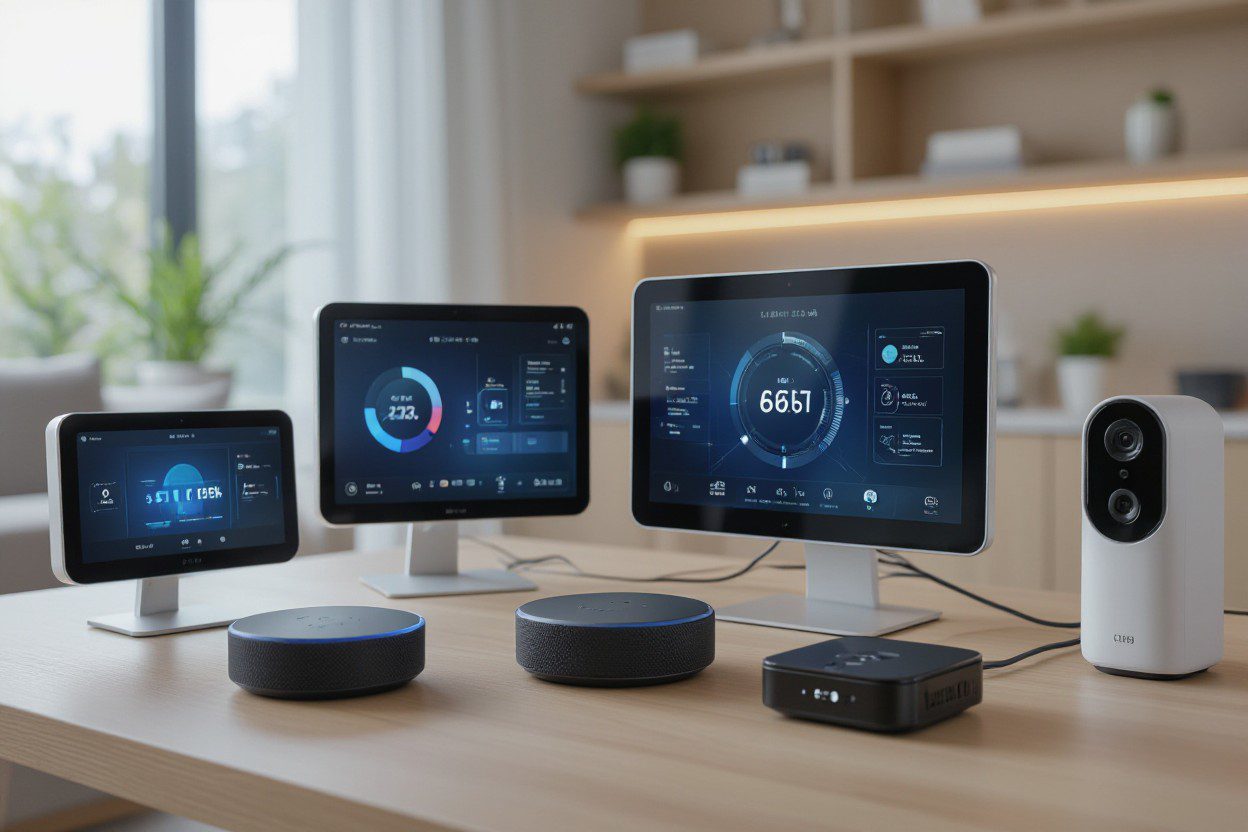
If you care about smart home convenience and reliable connectivity, you may wonder, What is an example of an IoT device? At SkyLink WiFi, using connected devices in your home should be simple, helpful, and smart. We will explain what counts as an IoT device, how they work, and why they matter to you.
What Does “IoT Device” Mean
IoT stands for “Internet of Things.” An IoT device is a physical device (hardware) that can connect to the internet (or to a network) and exchange data. These devices often have sensors or other technologies that let them collect real-time data, send it over the internet (or a local network), and sometimes react or be controlled remotely.
IoT devices are part of a larger IoT ecosystem (or IoT system), a network of connected devices working together through IoT technology and connectivity.
Everyday Examples of IoT Devices
Here are some common types of IoT devices many people already use, often without thinking about it:
- Smart home devices – including smart locks, smart lights, smart thermostats, and smart plugs.
- Security cameras – home security cameras that you can view on your phone, even when you are away.
- Wearable devices – this includes fitness trackers or smartwatches that monitor steps or heart rate.
- Temperature sensors – sensors that track room temperature or humidity and report it.
- Medical devices – devices that monitor health data (for example, heart rate or glucose levels) and then send updates to a cloud or an app.
- Industrial sensors – sensors used in machines or equipment to monitor status, send real-time data, and help with maintenance.
- Connected routers and gateways – devices that bring the internet to your home and help connect many IoT sensors, cameras, and smart devices.
These are examples of IoT devices that show how IoT touches many parts of our lives.
How IoT Devices Work: The Simple Flow
Here is how IoT devices typically operate, step by step:
- A device with sensors or hardware (such as a camera, wearable, or thermostat) collects data, for example, temperature, motion, health stats, or video.
- The device connects to the internet or network via WiFi, 4G/5G, or other connectivity.
- The device transmits the data to a cloud server, an app on your phone, or a central system.
- The data can then be viewed or acted upon; you might receive a notification, adjust settings, or trigger a process (such as turning on lights).
- Many IoT applications also use real-time data for quick responses or predictive maintenance in industrial settings, enabling issues to be spotted early.
This data exchange and connectivity are what make IoT such a powerful technology.
Why IoT Devices Matter for Homeowners
As a homeowner, IoT offers ways to make your home smarter, safer, and more efficient. For example:
- Smart home security – security cameras and smart locks let you keep an eye on your home, even when you are away.
- Better comfort and control – a smart thermostat adapts heating or cooling based on real-time data or your habits.
- Energy savings – sensors and automation can help reduce waste, for example, by turning off lights when no one’s home.
- Convenience – you can control devices from your smartphone, whether you are lounging on the couch or out of town.
- Health and wellness – wearable devices or connected medical devices can help you track health data and share it with doctors.
IoT devices make “connected living” real; they bring benefits once reserved for sci-fi stories.
How a Company like SkyLink WiFi Supports IoT at Home
At SkyLink WiFi, we not only offer home internet and connectivity solutions, we also help enable IoT solutions for your home or small business.
- Our 4G/5G routers and Pocket WiFi devices provide reliable connectivity, keeping IoT sensors, cameras, and smart devices online.
- Through our cloud communication platform, you can manage multiple connected devices, exchange data, and monitor device health, ideal for smart home setups or small business IoT deployments.
- We also offer customized device configurations and flexible data packages so that you can tailor your IoT setup to your home’s needs and usage patterns.
With local service based in Dallas, Texas, SkyLink WiFi is a trustworthy option for homeowners who want to harness the potential of IoT without complexity or heavy setup.
Common Types of IoT: From Simple to Advanced
IoT spans many types. Here are four common types of IoT setups:
- Consumer IoT – devices used at home by everyday people. These include smart thermostats, smart lights, smart locks, wearable devices, security cameras, and other smart home devices.
- Industrial IoT (IIoT) – sensors and connected devices used in factories or machinery to monitor equipment, track performance, and enable predictive maintenance.
- Healthcare IoT – medical devices and wearables that monitor health metrics, collect data, and help with remote care or health tracking.
- Enterprise/business IoT – connected devices used by businesses for data tracking, fleet management, smart building systems, asset tracking, and more.
These types show how many different kinds of devices use IoT technology, from the small to the complex.
What Is the Most Common IoT Device?
Among all these, the most common IoT devices are likely smart home devices, especially things like:
- Smart thermostats
- Security cameras and smart door locks
- Smart lights or smart plugs
- Wearables like smartwatches or fitness trackers
These devices are popular because they are affordable, easy to install, and useful for everyday life.
Are Many IoT Devices Safe and Secure? What About IoT Security?
Because IoT devices connect to the internet, security matters. Good IoT solutions take steps to protect device data and connectivity. Here are a few basic ideas for better safety:
- Use secure network connections (not open WiFi) for smart devices.
- Change the default device passwords and use strong, unique passwords.
- Keep device software updated.
- If you have many IoT devices on your home network, consider using separate networks or segments for them.
A trusted provider, like SkyLink WiFi, can help ensure that your connectivity, which supports all your smart devices, is stable and secure.
Real-World Use Cases of IoT Devices
Here are a few typical real-life scenarios where IoT devices shine:
- When you get home from work, your smart thermostat automatically changes the temperature based on your schedule.
- Your smart security camera sends you a live video or alert when someone approaches your front door.
- Your wearable device tracks your steps or sleep and sends data to an app that helps you monitor your health trends.
- In a small business or workshop, machine sensors alert you when maintenance is needed, helping you avoid costly breakdowns (predictive maintenance).
- A temperature and humidity sensor in a storage room monitors conditions. It sends alerts when values fall outside a safe range, useful for wine cellars, storage areas, or home offices.
These are practical examples of IoT applications that many homeowners or small business owners find helpful.
Final Thoughts: Why “What Is an Example of an IoT Device?” Matters
Understanding what counts as an IoT device helps you see how connected technology can improve everyday life. From simple smart home gadgets to more advanced sensors and wearables, IoT devices make homes safer, smarter, and more efficient.
If you want to build a smart home ecosystem or reliable connectivity to support many connected devices, SkyLink WiFi is a strong partner. We provide routers, connectivity, cloud platform support, and data plans, all designed to help IoT devices work smoothly and securely.
Frequently Asked Questions (FAQs)
1. What is the most common IoT device?
The most common IoT devices are smart home devices like smart thermostats, security cameras, smart lights, smart plugs, and wearables (fitness trackers and smartwatches). These are easy to get, affordable, and useful for everyday life.
2. What are the four types of IoT?
The four types of IoT are consumer IoT (home devices), industrial IoT (sensors for machines and predictive maintenance), healthcare IoT (medical devices and wearables), and enterprise/business IoT (asset tracking, building management, and business operations).
3. Can IoT devices collect real-time data?
Yes, many IoT devices collect real-time data. Sensors in devices, like temperature sensors or security cameras, gather data and transmit it over the internet or a network so users can monitor or respond immediately.
4. Do IoT devices need special internet connectivity?
IoT devices work best with stable internet connectivity, such as a reliable router or a 4G/5G network. If connectivity is weak or unstable, IoT devices may not transmit data properly or may lag.
5. Are IoT devices used only at home?
No. While many IoT devices are used in homes (smart devices, wearables), IoT is also widely used in industry (industrial internet of things), healthcare (medical devices), businesses (asset tracking, building management), and other fields.
6. How many IoT devices can a home network support?
It depends on your network quality. With a strong router and good internet plan, a typical modern home network, like what SkyLink WiFi offers, can support many IoT devices (security cameras, smart lights, sensors, wearables) without much trouble.
Ready to make your home smarter and more connected? Contact SkyLink WiFi today at (469) 972-4459. Whether you want a fast 4G/5G router, a flexible data plan, or IoT solutions for home automation, we have your connection needs covered. Visit our services and products page to learn more, or contact us and start using a truly connected home.
Also Read:
What is an IoT Device on My WiFi? (A Simple Guide to Understanding Your Smart Network)
How Will LTE Technology Evolve with 5G? A Critical Look.
How Does IOT Product Development Solve Critical Issues?
by content@click4corp.com | Dec 11, 2025 | Uncategorized
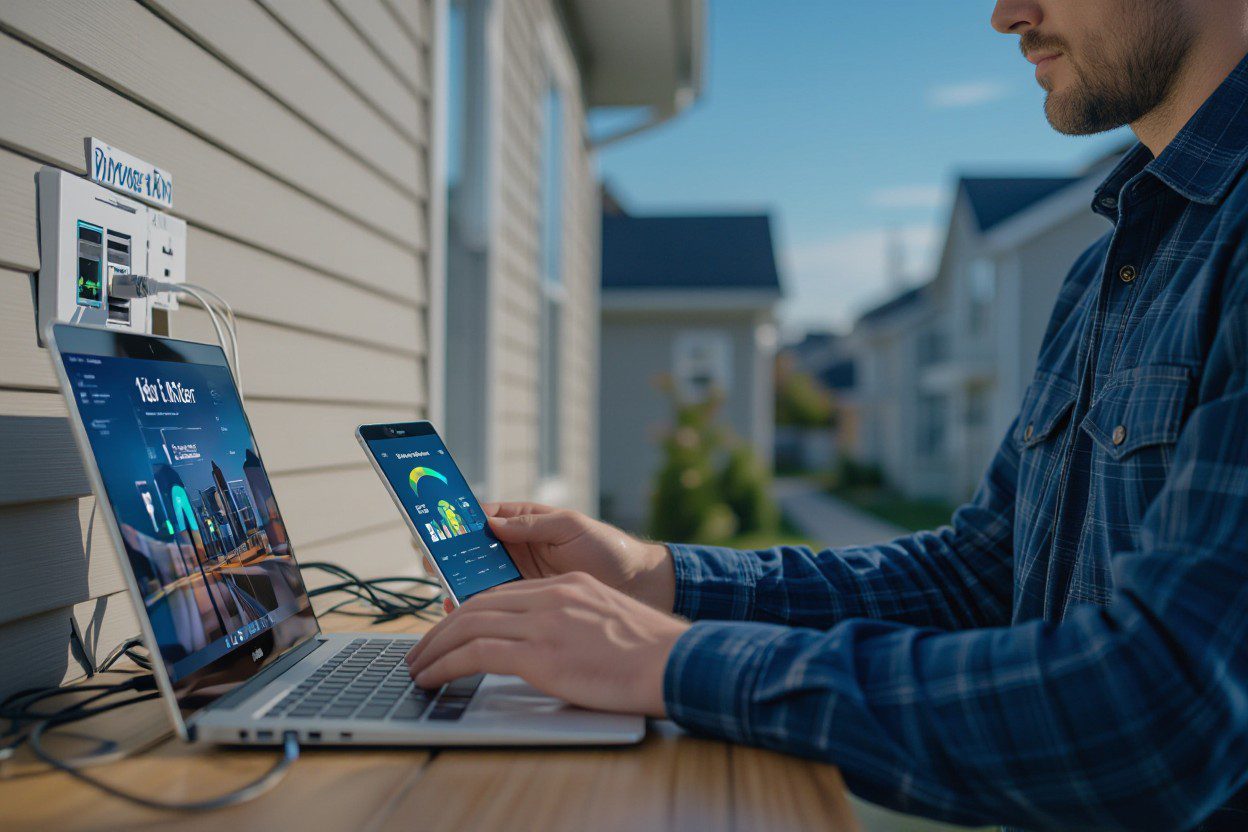
Choosing an exemplary internet service can be tricky, especially if you live in a rural or remote area. Satellite internet providers promise high-speed internet access where cable or fiber may not reach. While satellite internet can be a good home internet option in hard-to-reach areas, it has both advantages and drawbacks. At Skylink WiFi, we aim to help homeowners understand the best internet options for their needs. Let’s explore the pros and cons of the top satellite internet providers so you can make an informed decision.
What Is Satellite Internet?
Satellite internet is a type of residential satellite internet service that connects your home to the internet using a satellite dish. Unlike traditional cable or fiber internet, which uses wires, satellite internet beams data from a satellite in orbit to your dish. It’s often considered a reliable internet option in rural areas where other internet providers in Dallas TX or other areas may not offer service.
Popular providers have made satellite internet a viable solution for people in remote or rural areas, but there are still some limitations.
Pros of Satellite Internet Providers
1. Internet Access in Remote Areas
One of the biggest advantages of a satellite internet provider is that it can deliver internet to areas where cable and fiber don’t reach. If you live far from city centers or in rural Texas, satellite internet may be the best rural internet option.
2. High-Speed Satellite Internet Options
Some satellite services now provide high-speed internet that’s fast enough for streaming, online gaming, and remote work. While it may not match fiber internet in speed, it can still be a solid home internet solution for rural users.
3. Easy Installation
Satellite internet usually only requires a satellite dish and a modem. This makes it easier to set up than running fiber or DSL cables.
4. Wide Coverage
Satellite providers can offer internet in all areas, making it one of the best satellite internet services for rural or remote locations. You don’t have to worry about living in a spot that isn’t covered by cable internet options or fiber networks.
5. Flexible Internet Plans
Some satellite providers offer unlimited data or customizable satellite internet plans. You can choose a plan that fits your usage, whether it’s light browsing or heavy streaming.
Cons of Satellite Internet Providers
1. Higher Latency
Satellite internet often has higher latency, meaning there’s a delay in data transmission. This can impact gaming, video calls, or real-time applications, making them less smooth than fiber or cable internet.
2. Weather Sensitivity
Rain, snow, or strong winds can affect satellite internet service, temporarily reducing your internet speed.
3. Data Limits
Even if providers advertise unlimited data, many satellite plans throttle speeds after a specific usage limit. This can affect your internet experience during high-demand periods.
4. Higher Costs
Satellite internet packages can be more expensive than those from other internet providers in Dallas, especially when installation fees and equipment are factored in. It may cost more than a fiber internet plan, but for rural internet, it can still be a viable option.
5. Equipment Requirements
You’ll need a satellite dish and modem, and sometimes these are not included in the base plan. This adds upfront costs compared to wireless internet or fixed wireless internet alternatives.
Top Satellite Internet Providers
Here are a few leading satellite internet service providers:
- Starlink – Known for faster speeds, low latency, and wide coverage. Best for rural and remote areas.
- Viasat – Offers different satellite internet plans, suitable for light to medium home internet use.
- HughesNet – A residential satellite internet service provider with established reliability but slower speeds for heavy users.
These providers offer satellite internet options for rural internet service. Weigh speed, cost, and data limits before choosing.
Is Satellite Internet Right for You?
Satellite internet is ideal if you:
- Live in remote or rural areas with limited internet options.
- Need internet access where cable, DSL, or fiber isn’t available.
- Want residential satellite internet with a reasonable internet speed for streaming or work.
However, if you live in a city or areas where cable internet is available, other internet providers in Dallas or fiber internet providers may offer faster, cheaper, and more reliable connections.
Satellite Internet vs. 5G Home Internet
At Skylink WiFi, we provide 5G home internet, which can be an excellent alternative to satellite internet. Our 5G connectivity offers:
- Low latency for smoother online gaming and video calls.
- Unlimited data options for heavy usage.
- Quick installation without the need for a satellite dish.
- Reliable internet in Dallas TX and surrounding areas.
Our pocket WiFi, routers, and IoT products make it easy to enjoy fast and consistent home internet, whether you’re in the city or just outside urban areas.
Conclusion: Choosing the Right Internet Option
While satellite internet providers are a valuable solution for remote or rural areas, they come with trade-offs such as higher latency, higher costs, and occasional speed limits. If you’re looking for a reliable internet connection in Dallas TX, or surrounding areas, 5G home internet from Skylink WiFi may provide faster, more consistent service with unlimited data options.
Our services include Device Customization, Cloud Communication Platform, Data Packages, and Value-Added Services, while our products, like IoT devices, pocket WiFi, and routers, make it easy to set up and enjoy high-speed home internet.
FAQs
1. How much does satellite WiFi cost?
Satellite internet plans usually range from $50 to $150 per month, subject to the provider and data plan. Installation and equipment fees may also apply.
2. Can satellite internet work in rural areas?
Yes! Satellite internet service is one of the few options available in remote and rural areas where cable or fiber isn’t available.
3. What is the fastest satellite internet?
Currently, Starlink offers the fastest internet provider speeds, suitable for streaming and light gaming in rural areas.
4. Does satellite internet have unlimited data?
Some providers advertise unlimited data, but most throttle speeds after a certain threshold. It’s important to check each satellite internet plan carefully.
5. Can I switch from satellite to 5G internet?
Absolutely. Skylink WiFi’s 5G home internet delivers faster speeds and lower latency, making it a good alternative to residential satellite internet.
6. How reliable is satellite internet?
Satellite is reliable for areas where other internet companies offer slower service, but weather conditions can sometimes affect connectivity.
Get in touch today to explore our residential internet options and see how Skylink WiFi can bring fast and reliable connectivity to your home. We serve Dallas, Plano, Frisco, McKinney, and nearby areas, and our Blade Pocket WiFi has global coverage. Call us to get started!
Also Read:
Technical Features of 5G WiFi Routers and Pocket WiFi Devices
How Will LTE Technology Evolve with 5G? A Critical Look.
A Technical Look at Wireless Communications and Device Integration
by content@click4corp.com | Dec 3, 2025 | Uncategorized
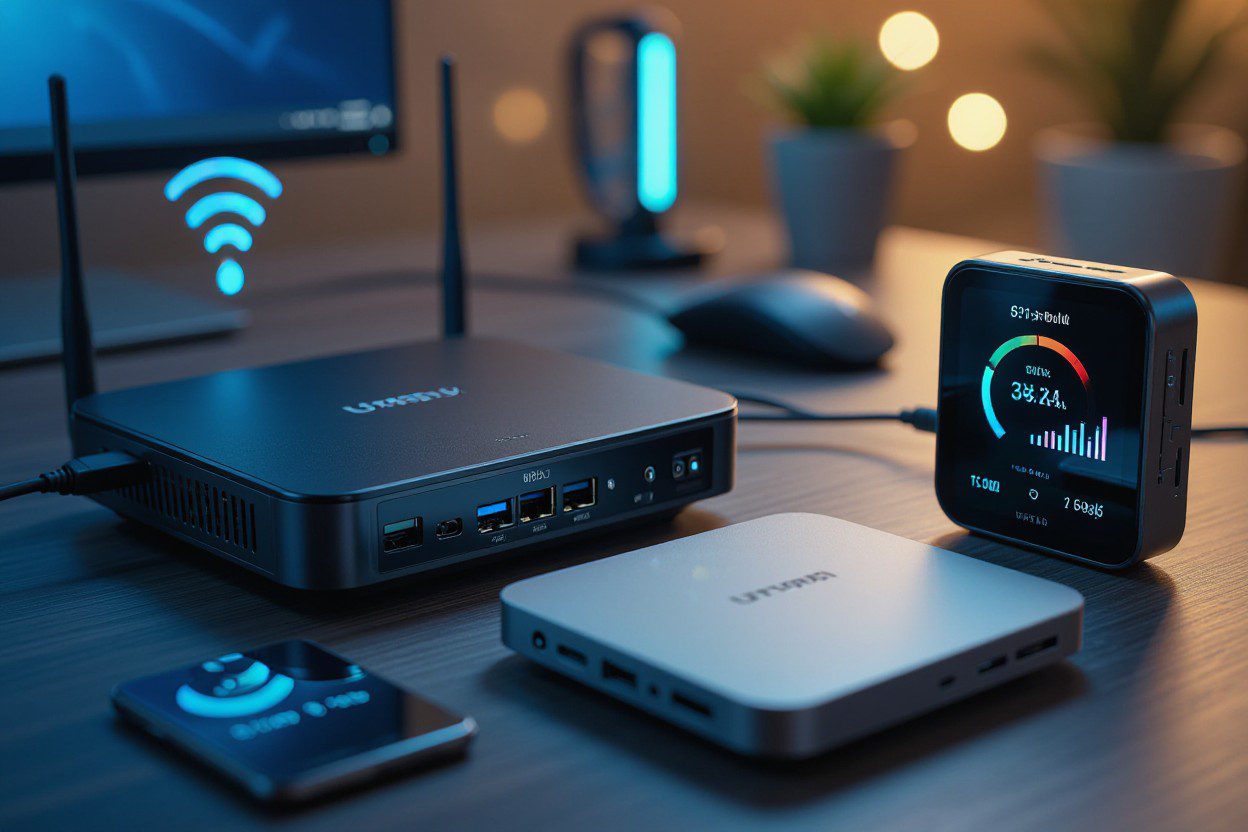
If you’ve ever checked your WiFi list and found strange device names, you’re not alone. Many people ask, “What is an IoT device on my WiFi?” As more homes use smart gadgets, it’s common to see new connected devices show up on your network. At Skylink WiFi, we help homeowners understand their smart home, keep their network secure, and get the best performance from all their connected devices.
In this guide, we’ll break down what IoT means, how these devices work, the benefits they bring, the risks to look out for, and how you can manage them with ease.
Understanding IoT Devices in Your Home Network
IoT stands for Internet of Things, which simply refers to devices connected to the internet that share data or automate tasks. These can include smart devices, small sensors, or any internet-connected devices that run on your WiFi network.
Common examples include:
- smart lighting
- smart thermostats
- security systems
- Google home
- Alexa devices
- wearables
- connected cars
- smartphones
- smart home devices like plugs, cameras, or locks
These physical devices use your router to connect to the cloud, exchange data, run apps, and even use AI and machine learning for fast responses. This is how your lights turn on with your voice or how your camera alerts you when it detects movement.
How IoT Devices Work on Your WiFi Network
When you bring home a new device like a smart bulb or smart speaker, you connect it to your wireless network. Once connected, it becomes a part of your IoT network and starts sending and receiving real-time data.
How IoT devices work:
- Connect to WiFi – They link to your router like any other device.
- Transmit data – Many IoT devices send sensor data or updates to the cloud.
- Automate tasks – They respond to triggers, such as a schedule or voice command.
- Use analytics and computing – Some rely on edge computing, AI, or machine learning to make fast decisions.
- Provide insights – IoT devices help track usage, monitor energy usage, or improve comfort.
The number of IoT devices in homes keeps growing each year. Today, many homes have many IoT devices running at once — from TVs and doorbells to appliances and alarms.
Why You See Unknown IoT Devices on Your WiFi
Sometimes device names on your network look confusing. Generic names like “ESPxxxx” or “SmartPlug123” are common. These can come from:
- smart bulbs
- smart plugs
- TV sticks
- speakers
- cameras
- baby monitors
- door sensors
Many internet-enabled devices don’t show a clear name. But most of them are safe and simply part of your network of interconnected home tools.
Benefits of IoT Devices in Your Home
IoT devices bring many perks that help you save time, enjoy comfort, and even reduce costs.
Here’s how IoT devices help:
- Automate daily tasks like lighting or temperature
- Improve energy use through IoT analytics
- Boost security with smart cameras
- Make life easier by using devices like smart speakers
- Provide real-time alerts for home safety
- Make your smart home more efficient
- Allow predictive maintenance for appliances
These IoT applications are part of why more people choose smart upgrades every year.
Common Uses of IoT Devices in Everyday Life
IoT is everywhere. You may already be using several devices without realizing it.
Popular use cases include:
- Home security systems
- Smartphones controlling lights or locks
- Wearables tracking health
- Smart lighting that adjusts to your routine
- IoT sensors checking temperature, leaks, or air quality
- Connected cars offering updates
- Smart thermostats
- Mobile devices managing your home remotely
These IoT technologies keep growing as the technology space expands.
Why IoT Devices Need Strong Security
While IoT devices are helpful, they can also be vulnerable to security threats. Because many gadgets are low power and always connected, they can be targets for hacking. This makes IoT security very important.
Risks to consider:
- Weak passwords
- Outdated software
- Unsecured WiFi network
- Too many devices connected to the internet
- Poor data management by low-quality products
Your security and privacy should always come first when building your IoT system. A secure home network protects your devices, your personal data, and your daily life.
How to Manage IoT Devices on Your WiFi
Managing many devices can feel overwhelming, but it’s easier when you know what to look for.
Tips for managing your IoT network:
- Use strong WiFi passwords
- Create a separate guest network for smart gadgets
- Update device apps and firmware
- Check your router’s device list regularly
- Remove unknown or unused devices
- Choose trusted brands with strong cybersecurity features
Your devices should only be connected when they are safe, up to date, and needed. Good IoT device management reduces problems, improves speed, and keeps your network secure.
How IoT Devices Impact Your Internet Speed
If you have too many gadgets, your WiFi may slow down. This happens because billion IoT devices worldwide are sharing the same type of network connections.
Reasons your network slows down:
- Too many devices are using the bandwidth
- Heavy IoT data exchange
- Older routers that cannot handle interconnected devices
- Devices running in the background
A good IoT solution is to upgrade your router or strengthen your home network setup.
Do IoT Devices Use AI?
Yes, many do. Modern IoT devices use a mix of artificial intelligence (AI) and machine learning to make decisions. These help devices:
- predict your habits
- send smarter alerts
- automate tasks faster
- process data better
Artificial intelligence and machine learning also make devices safer and more reliable, especially in homes with advanced automation.
FAQs
1. Why does my WiFi show unknown IoT devices?
Many smart gadgets don’t use clear names. Items like TVs, plugs, or bulbs often appear with generic model numbers.
2. Are IoT devices safe to connect to my network?
Yes, but they need strong passwords, up-to-date software, and secure Wi-Fi settings to reduce risks.
3. How can I tell which device belongs to which name?
You can turn devices off one by one and check your router list to match each device to its corresponding port.
4. Do IoT devices slow down my WiFi?
They can if you have many devices running at once or use an older router.
5. What’s the difference between IoT devices and regular devices?
IoT devices automate tasks, use sensor data, and connect to the cloud to exchange information. Regular devices like laptops don’t automate tasks.
Final Thoughts
Understanding what is an IoT device on my WiFi helps you stay informed, stay protected, and make better choices as your smart home grows. These internet-connected tools offer comfort, automation, energy savings, and security. And with help from Skylink WiFi, you can build a reliable, secure, and fast home network that supports all your connected IoT devices.
Ready to upgrade your home network and manage your smart devices with confidence? Skylink WiFi offers powerful WiFi packages, router setup, mesh systems, and home network services that keep your connected devices running smoothly. Call us at (469) 972-4459 to know more.
Also Read:
Discover What is IoT Device Management: Ultimate Guide
How Do You Get Better Internet In Dallas TX: 5 Simple Steps
How Will LTE Technology Evolve with 5G? A Critical Look.
Technical Features of 5G WiFi Routers and Pocket WiFi Devices