
Most users rely on a 5G WiFi router or a compact pocket to get faster, low-latency connections for their home or mobile work. At Skylink WiFi, we understand the importance of a seamless and secure experience, which is why our devices are equipped with a suite of advanced features. You can expect features like beamforming, multiple-input multiple-output (MIMO), network slicing, advanced QoS, and built-in WPA3 security. Your device may also offer SIM support, dual-band WiFi 6E, easy app setup, and battery-saving modes for on‑the‑go hotspots, ensuring your connectivity is always robust and secure.
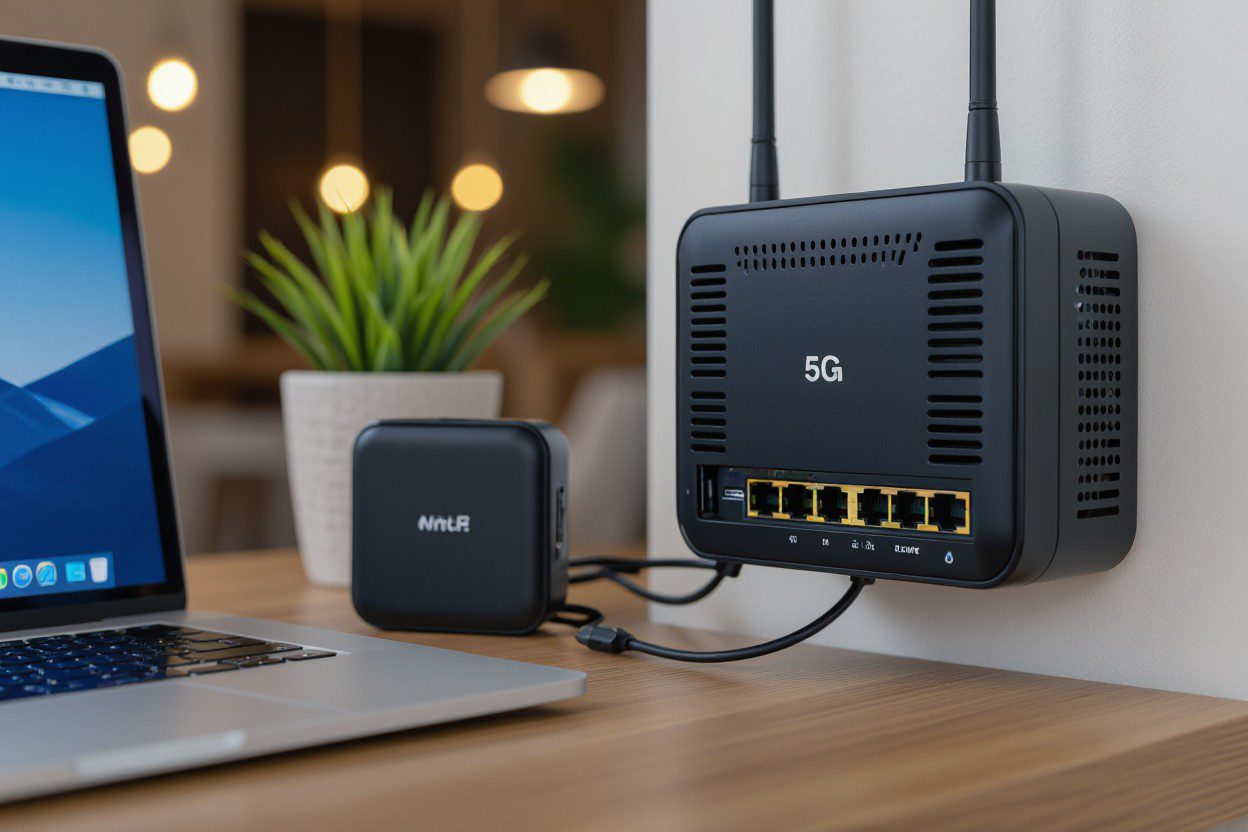
The Architectural Brilliance of 5G Technology for 5G WiFi Router and Pocket WiFi
Spectrum Band Utilization
5G splits the spectrum across low-band (<1 GHz), mid-band (1–6 GHz), and high-band mmWave (24–52 GHz), so your 5 G WiFi router and pocket WiFi can balance coverage and capacity. Carrier aggregation and dynamic spectrum sharing enable your device to combine 3.5 GHz (n78), 2.1 GHz, and even legacy LTE bands, allowing it to sustain speeds of over 100 Mbps in challenging areas. Meanwhile, mid-band boosts typical urban throughput to hundreds of Mbps and supports mobility without frequent handovers.
Millimeter Wave Advantages
Millimeter wave offers extremely wide channels—100–400 MHz—giving your 5G router the headroom for multi-gigabit bursts and sub-5 ms latency when line-of-sight exists. Beamforming and short slot times reduce contention in dense venues, so a fixed 5G gateway can deliver sustained 1–3 Gbps to a home or hotspot; pocket WiFi devices may see shorter range but still benefit from high peak speeds in close proximity.
The deployment of mmWave relies on massive MIMO arrays with dozens of antenna elements and directional beams to overcome high path loss. In practice, small cells spaced roughly 200–500 meters apart in dense urban corridors provide reliable mmWave coverage. Fixed wireless access pilots using mmWave have achieved speeds of 200–900 Mbps to homes, with the biggest gains noted for AR/VR streaming, cloud gaming, and enterprise links, where consistent multi-gigabit uplink and downlink speeds are crucial.
Enhancements in Speed and Latency for 5G WiFi router and pocket WiFi
With a 5G WiFi router or pocket WiFi device, you get far higher throughput and lower ping: lab peaks hit multiple gigabits per second (1–3+ Gbps), while real-world urban speeds typically range from 100 to 600 Mbps. You’ll experience faster downloads, smoother 4K streams, and improved multi-user handling thanks to mmWave, sub-6 GHz, carrier aggregation, and massive MIMO. Performance still depends on spectrum, cell congestion, and backhaul quality, so opt for devices with advanced modems and fiber-capable backhaul when possible.
Multigigabit Speed Realities
Carrier aggregation and wide channel bandwidths let your 5G gateway approach multigigabit rates under ideal conditions; mmWave with 400+ MHz channels and 256‑QAM can exceed 1 Gbps. Most deployments use sub‑6 GHz with 100–200 MHz slices, so your pocket WiFi often delivers steadier but lower peak speeds. Choose models with 4×4 MIMO, WiFi 6E/7, and modern modems (e.g., X65-class) to narrow the gap to theoretical maxima.
Latency Reduction Mechanisms
Latency decreases from tens of milliseconds to single digits through shorter transmission time intervals, grant-free uplink, and edge compute offload. 5G standalone targets ~1 ms for URLLC, while practical SA/sub-6 setups often achieve 5–20 ms. Your 5g WiFi router and pocket WiFi benefit when carriers enable MEC, local breakout and QoS prioritization, reducing round-trip time for gaming, AR/VR and industrial control traffic.
Operators use network slicing to reserve low-latency slices and scheduler enhancements like mini‑slot scheduling and grant‑free uplink to cut your device’s wait time. On-device measures — low‑latency packet handling, hardware timestamping and WiFi OFDMA — reduce jitter on pocket WiFi units. Verify standalone 5G support, fiber backhaul and MEC presence in your area to consistently achieve sub‑10 ms performance for latency-sensitive apps.
Robust Security Protocols in 5G Devices
You’ll find modern 5G WiFi router and pocket WiFi designs combine hardware root-of-trust, secure boot, and SIM-based authentication (USIM/eSIM) with network-layer protections like TLS 1.3 and IPsec for backhaul. Vendors now ship AES-256 crypto, certificate pinning, and isolated execution environments so your device resists firmware tampering; carriers often push OTA updates monthly or quarterly to patch vulnerabilities discovered in field trials and real-world deployments.
Encryption Standards Revolution
WPA3 (introduced by the WiFi Alliance in 2018) replaces WPA2 with SAE for stronger handshake protection and an optional 192‑bit security suite for enterprise-grade links; AES‑GCM and ChaCha20‑Poly1305 are common ciphers. TLS 1.3 on management interfaces lowers latency and reduces attack surface compared with TLS 1.2, so your 5G WiFi router or pocket WiFi uses modern ciphers for both local WiFi and cloud control channels.
Threat Mitigation Strategies
Device-level firewalls, IDS/IPS signatures, and default-credential hardening mitigate common attacks that previously let botnets like Mirai (2016) infect thousands of routers. You should enable network isolation, block unused ports, and require admin login via certificates or long, unique passwords to reduce the risk of takeover and lateral movement from compromised IoT on the same network.
For deeper protection, enable automatic firmware updates, disable WPS, and set the admin password to at least 12 random characters. Configure a guest SSID or VLAN for IoT, enforce WPA3 where supported, and run DNS filtering or DoH to block malicious domains. If you use a pocket WiFi, keep the SIM PIN active and prefer devices with secure elements (SE/TPM) to store keys off the main CPU.
Device Interconnectivity and IoT Integration — 5G WiFi router and pocket WiFi
Your home network uses the 5G WiFi router as the primary backbone, offering multi-gigabit peak throughput and sub-20 ms backhaul latency in many deployments, while a pocket WiFi unit provides portable failover and on-the-go mesh nodes. You can segment IoT traffic into VLANs, push edge rules to local gateways, and run device-specific QoS so hundreds of sensors, cameras, and assistants stay responsive without clogging your main broadband link.
Seamless Connectivity Features
Advanced 5G WiFi routers combine WiFi 6/6E, MU‑MIMO, OFDMA and beamforming to serve dozens to a few hundred concurrent devices; typical high-end routers list support for 200–250 clients. You get automatic band steering, tri-band backhaul for mesh nodes, and in-pocket WiFi devices with dual-SIM or LTE fallback for uninterrupted service, letting you roam or recover instantly without reconfiguring each smart device.
Impact on Smart Home Ecosystems
Greater throughput and lower latency enable you to run multiple 4K streams, real-time security feeds, and voice assistants concurrently, while sensors report state changes in milliseconds. Your 5G WiFi router can act as a Matter border router or Thread coordinator, simplifying cross‑vendor integration and enabling local automation rules that cut cloud round trips and improve reliability for time‑sensitive scenes.
In practice, a 2,000 sq ft home with 30–50 smart devices can use a mesh of WiFi 6E access points tied to a 5g WiFi router to maintain consistent coverage; eight simultaneous 4K streams (~15–25 Mbps each) still leave bandwidth headroom when the 5G backhaul delivers hundreds of Mbps to over 1 Gbps in good conditions. You should also enable WPA3, device isolation, and per‑VLAN firewalling to keep IoT endpoints segmented and manageable via your router’s central controller or companion app.
Battery Efficiency and Performance Metrics
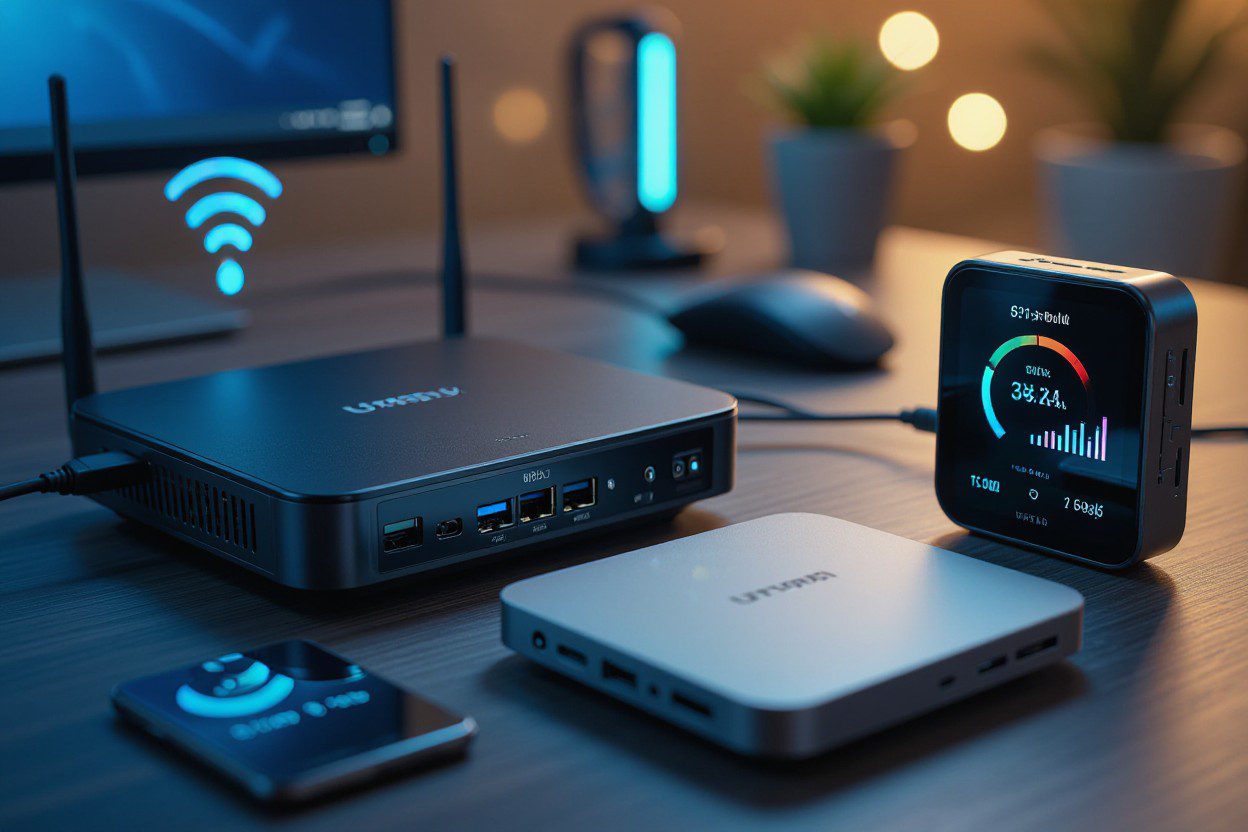
You measure battery life by capacity (mAh/Wh), average power draw, and real throughput; a pocket WiFi with 3,000–5,000 mAh typically delivers 6–12 hours of mixed 5G tethering, while 8,000 mAh models push 15–20 hours under moderate load. Active 5G transfers typically consume around 3–8 W, depending on carrier aggregation and MIMO use. Weak signals or a large number of connected clients can halve the runtime, making throughput-per-watt and standby drain key performance metrics to consider when evaluating any 5G router.
Energy Management Technologies
Modern 5G routers and portable hotspots use adaptive power scaling, advanced sleep states, and hardware offload to save energy; dynamic bandwidth selection drops to 4G or narrower bands when idle, and transmit power control limits RF output based on distance to tower. You’ll find DSP offloading and CPU gating in higher-end units, which can reduce active power draw by 30–50% versus basic designs, extending real-world pocket WiFi battery life significantly.
Real-World Usage Scenarios
During a workday you may connect 5–10 devices to a pocket WiFi for email, video calls and light browsing; streaming a single 1080p video (≈5 Mbps) consumes far less energy than sustained 4K (20–25 Mbps), so expect multi-device HD use to last a full day on mid-range batteries but heavy 4K or frequent large uploads will cut runtime to a few hours.
In field tests, a 5,000 mAh portable 5G hotspot streaming 4K live at 15 Mbps saw battery drop by roughly 8–12% every 15 minutes under good signal, and poor signal often doubles modem power draw. You can mitigate this by limiting connected clients, using low-power WiFi modes, enabling scheduled sleep, or pairing the device with a 10,000 mAh power bank for full-day remote work or live reporting.
Final Thoughts
On the whole, you’ll choose a 5G WiFi router or a pocket WiFi mobile hotspot based on speed, latency, coverage, and key technical features. With Skylink WiFi, both types of devices come with essential features like WiFi 6/6E support, MU‑MIMO, beamforming, carrier aggregation, and WPA3 security. Fixed 5G routers are ideal for heavy home or office use, while our pocket hotspots provide SIM-based portability, long battery life, and LTE fallback. Both options benefit from mesh or QoS features, ensuring you get reliable, fast connections precisely where you need them.
FAQs
Q: How does a 5g WiFi router differ from older routers and what does that mean for speed and lag?
A: A 5g WiFi router uses cellular 5G radio links (sub-6 GHz and sometimes mmWave) instead of or alongside fixed broadband. Sub-6 GHz offers wide coverage and good speeds, while mmWave can provide very high peak speeds over a short range. 5G adds carrier aggregation and higher channel bandwidths, which raise throughput and lower round-trip time compared with 4G. Inside the home or office the router then shares that link over WiFi standards (WiFi 5/6/6E/7), so real-world speed depends on the router’s WiFi radio, number of users, and local signal quality. Pocket WiFi devices use the same 5G radios but are tuned for small size and battery life, so they may show lower sustained throughput than a full-sized 5G WiFi router with better cooling and bigger antennas.
Q: What WiFi standards and bands should I look for in a 5G WiFi router or pocket WiFi to get the best performance?
A: Look for devices that support modern WiFi standards: WiFi 6 (802.11ax) or WiFi 6E (adds 6 GHz) for lower latency and better handling of many devices. WiFi 7 is emerging and promises higher throughput and lower latency but is less common now. Dual‑band (2.4 GHz + 5 GHz) is standard; tri‑band or 6 GHz adds capacity for busy networks. Also, check which cellular 5G bands the device supports (sub‑6 and any mmWave bands your carrier uses). For travel or global use, a pocket WiFi with broadband support and multi-band LTE fallback is useful, allowing you to maintain a connection where 5G isn’t available.
Q: What role do antennas, MIMO and beamforming play in 5G routers and pocket WiFi hotspots?
A: Antennas and radio tech decide how well a device converts radio signals to usable data. MIMO (multiple-input, multiple-output) utilizes multiple antennas to send and receive data streams in parallel (examples: 2×2, 4×4), thereby increasing throughput and reliability. Beamforming focuses radio energy toward connected devices to improve range and signal quality. Full-size 5G WiFi router models often feature external or larger internal antenna arrays and higher MIMO configurations, while pocket WiFi devices utilize smaller antennas but still employ MIMO and beamforming to maximize performance in a compact case.
Q: For a pocket WiFi device, what technical features affect battery life, roaming, and global use?
A: Battery life depends on cell size (mAh), power management, and how hard the 5G modem works. Look for USB‑C fast charging, support for power delivery, and, if possible, a removable battery. Roaming and global use require multi-band support (wide 5G and LTE band lists) and either an unlockable SIM slot or a built-in eSIM. Some pocket routers support dual SIM or eSIM + physical SIM to switch between carriers. Also, check concurrent device limits (how many clients can connect), as many connected devices will drain the battery and reduce throughput faster than a few devices.
Q: What security, firmware and management features should I expect in modern 5g WiFi routers and pocket WiFi products?
A: Expect WPA3 for WiFi encryption, secure admin interfaces, and support for guest networks. Built‑in firewall, NAT, and basic VPN passthrough or client options improve safety. Automatic firmware updates or a clear update path are essential so the device gets security patches and new band support. Look for device management apps or web GUIs that show data usage, client lists, and allow QoS or bandwidth limits. For network planning, IPv6 support and carrier compatibility (SIM lock status, APN settings) are also valuable features.
Are you ready to experience the next level of wireless connectivity? Whether you need a powerful 5G WiFi router for your home or a portable pocket WiFi device for seamless on-the-go internet, Skylink WiFi has the perfect solution. Our services, including high-speed internet products and comprehensive plans, are designed to keep you connected across our service areas. Don’t settle for slow speeds and dropped connections.
Visit Skylink WiFi today to explore our innovative products and find a plan that meets your needs.
A Technical Look at Wireless Communications and Device Integration