
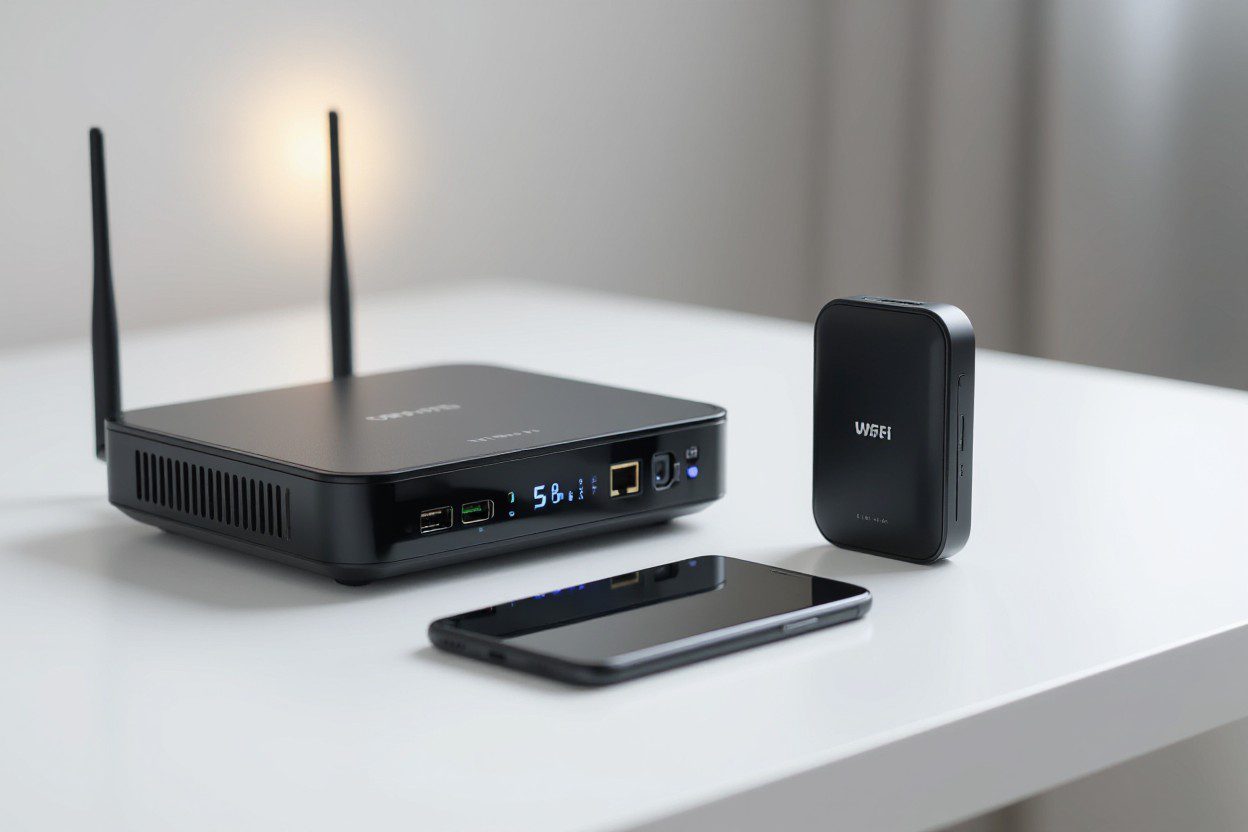
 If you recently looked at your Wi-Fi settings and saw an extra SSID labeled “IoT,” you are not alone. Many ask, Why does my router have an IoT network? This feature is usually included in newer consumer-grade routers because many people now use smart lights, sensors, security cameras, thermostats, and other wireless devices every day. When you have an IoT connection, your router keeps smart devices separate from your main network to improve security and better manage network usage. SkyLink WiFi helps families, offices, and businesses enjoy strong, seamless connectivity through trusted internet solutions and smart networking systems built for modern needs.
Understanding What an IoT Network Actually Is
An IoT connection is short for Internet of Things network. This type of wireless setup allows connected devices to access your internet without using the same bandwidth and access as your main Wi-Fi.
Devices that usually connect to IoT Wi-Fi include:
- Smart home devices
- Security cameras
- Remote sensors
- Smart plugs
- Smart thermostats
- Wireless security systems
- Small appliances with network adapters
These devices often need constant access to the internet for data transmission or remote monitoring. Having them share the same Wi-Fi as your phones, laptops, or gaming devices can slow everything down. That is why many routers can support an IoT-only SSID.
Why Does My Router Have an IoT Network?
Your router may provide this network for several key reasons that affect safety, performance, and management.
It Helps Improve Security
IoT devices often lack strong security features. Many do not use updated firmware, most rely on default passwords, and some are vulnerable to cyberattacks. When your router separates these devices into a dedicated group, it protects your primary network.
This keeps personal devices like laptops and phones away from vulnerable devices.
Routers can use firewall rules to block unknown access attempts. Your router’s IoT layer reduces exposure to threats inside your entire home network.
Better Management and Simple Organization
An IoT network makes it easy to monitor and manage connected devices. When everything connects to a single space, you can track bandwidth, compatibility, network usage, and performance without mixing them with phones and computers.
Many routers allow:
- Real-time monitoring
- Device-based access control
- Data encryption
- Network segmentation
This helps you see each IoT device clearly. If a device drops a connection or uses too much bandwidth, you can address it quickly.
Reduces Latency on Your Primary Network
Some IoT devices constantly send small data packets. Even though the packets are tiny, the constant flow affects sensitive tasks like video calls, online gaming, and work-from-home tasks.
By segregating IoT devices, you reduce delays on your main Wi-Fi.
This helps your:
- Work laptop
- Streaming TV
- Tablets
- Phones
runs much smoothly.
How an IoT Network Works on Your Router
An IoT router usually broadcasts two different SSIDs:
- Your primary Wi-Fi network
- Your IoT-only network
Your router assigns different IP addresses to IoT-connected devices, sometimes creating a separate subnet or VLAN.
This means the IoT section operates independently and will not interrupt your normal users.
A basic setup typically includes:
- A dedicated SSID
- Different firewall settings
- Limited network access
- Lower priority traffic
Your router may let IoT devices access only the internet, not local computers or file systems.
Should You Enable the IoT Network?
In most cases, yes.
You should enable it if:
- You own many smart home devices
- Your security cameras operate 24/7
- You want better router security features
- You want organized device management
- You want to limit vulnerable devices
You may not need it if:
- You only use one or two smart items
- You like a basic network
- You prefer manual settings
If you do not know how to set up IoT access correctly, SkyLink WiFi can handle full installation, configuration, and monitoring so everything runs safely.
What Devices Should be on an IoT Network?
Any device that does not hold private information is best placed in an IoT-only section.
Devices often placed in this network include:
- Smart doorbells
- Smart locks
- Security cameras
- Smart TVs
- Smart plugs
- Speakers
- Light controllers
- Robotic vacuums
- Energy monitors
These devices do not need access to other computers or shared devices. They simply need internet access.
Why Does My TV Show Up as a Separate Wi-Fi Network?
Smart TVs sometimes broadcast their own temporary network for setup or device pairing. This looks like a normal SSID, but it is not a full Wi-Fi network.
This is often used for:
- Remote control syncing
- Smartphone screen casting
- Device pairing
Once setup is complete, it normally disappears.
Is a Router an IoT Device?
A normal router is not an IoT device, but IoT routers exist. They function like regular routers but provide extra features like:
- Separate VLAN support
- Extra security rules
- Faster device onboarding
- Enterprise-grade traffic management
Most homes do not need advanced routers like these. However, businesses or customers with many IoT gateways often benefit from advanced routers.
How IoT-Only Networks Improve Network Security
When your router detects many IoT devices on a separate grouping, it protects your important data. Smart devices are the most common entry point for cyber threats.
A separate IoT SSID:
- Protects valuable accounts
- Reduces access to personal storage
- Blocks unsafe login attempts
- Prevents lateral movement attacks
Hackers cannot jump from a smart plug to your laptop, which is a major risk when all devices share a single password.
Regular Firmware Updates Make Everything Safer
Your IoT router’s security depends on updates. Many people forget this. Router firmware improves:
- Speed
- Firewall protection
- Compatibility
- Network management
If you do not know how to perform updates, SkyLink WiFi handles update scheduling, device scanning, and router optimization.
Real Benefits of Using the IoT Network Option
Your separate network helps you:
- Save bandwidth on your main Wi-Fi
- Maintain a stable connection speed
- Protect personal files
- Track connected devices easily
- Reduce overall network vulnerabilities
When you isolate smart home devices, everything runs smoothly without stressing your main connection.
FAQs
What is an IoT network on my router?
It is a dedicated wireless network designed for smart devices, sensors, security cameras, and similar products.
Why do I have an IoT network?
New routers include this option because most homes use many IoT-ready devices.
Should I enable the IoT network on my router?
Yes, if you have smart home devices. It increases security and improves performance.
What devices should be on the IoT network?
Security cameras, smart plugs, thermostats, smart speakers, and other smart home equipment.
Why does my TV show up as a Wi-Fi network?
During setup, some TVs broadcast temporary SSIDs for pairing.
Is a router an IoT device?
Not usually, but IoT-enhanced routers exist and offer more network control.
Can I connect IoT devices through a guest network?
Yes. Using a guest network keeps devices on a separate network, which helps with home security and reduces access risks.
Should I connect IoT devices to my modem or router?
Use your router’s IoT network, not the modem alone. Routers offer stronger security settings, protection against security vulnerabilities, and support VLANs.
Why does an IoT network help my home network community?
It separates various IoT devices so they do not slow down your main wifi network and keeps IoT-only traffic organized.
Does a separate IoT network improve network connectivity?
Yes. Devices in modern homes run smoothly when they are not competing for bandwidth. It reduces connection drops and delays.
How does keeping IoT devices isolated improve safety?
Isolated networks stop weak devices from exposing private devices. This protects personal data and reduces cyber risks.
Is selecting an IoT router necessary?
Yes. A good network depends on routers that support advanced features such as multiple security rules, VLANs, and strong Wi-Fi radio signals.
What devices should join an IoT-only network?
Smart plugs, home security cameras, thermostats, and sensors work best because they constantly transmit data.
Does an IoT network support a wide range of applications?
Yes. It supports real-time monitoring, automation, alerts, and remote access, enabling faster, safer IoT operations.
Summary
If you ever wondered why does my router have an IoT network, now you know that it protects your main network, improves connectivity, and keeps vulnerable devices isolated. Your smart devices, such as sensors and security cameras, generate constant network traffic. A separated IoT system gives them access without slowing down your computer, tablets, or work devices. SkyLink WiFi helps homes and businesses enjoy strong connections and stable smart home usage through trusted installation and support.
If you want a reliable system for your smart home devices, reach out to SkyLink WiFi today. We offer network installation, router setup, IoT network configuration, firewalls, remote monitoring support, hardware upgrades, and high-quality products built for daily use. For service in Dallas, Plano, Richardson, Addison, Irving, Frisco, and beyond, call (469) 972-4459 to know more, contact us, or visit our services and products page for top-tier Wi-Fi solutions.
Also Read:
What is an IoT Device on My WiFi? (A Simple Guide to Understanding Your Smart Network)