
You can boost your connection quickly by following five clear steps that put you in control. Learn how to run a speed test, choose fiber or cable, position your router, update equipment, and negotiate with ISPs to get better internet in Dallas TX. These actions help you reduce lag and secure fast broadband for work and streaming, providing you with reliable internet in Dallas, TX. We at Skylink WiFi are here to provide smart tips so your home runs smoothly with internet in Dallas TX.
Assessing Your Current Internet Setup
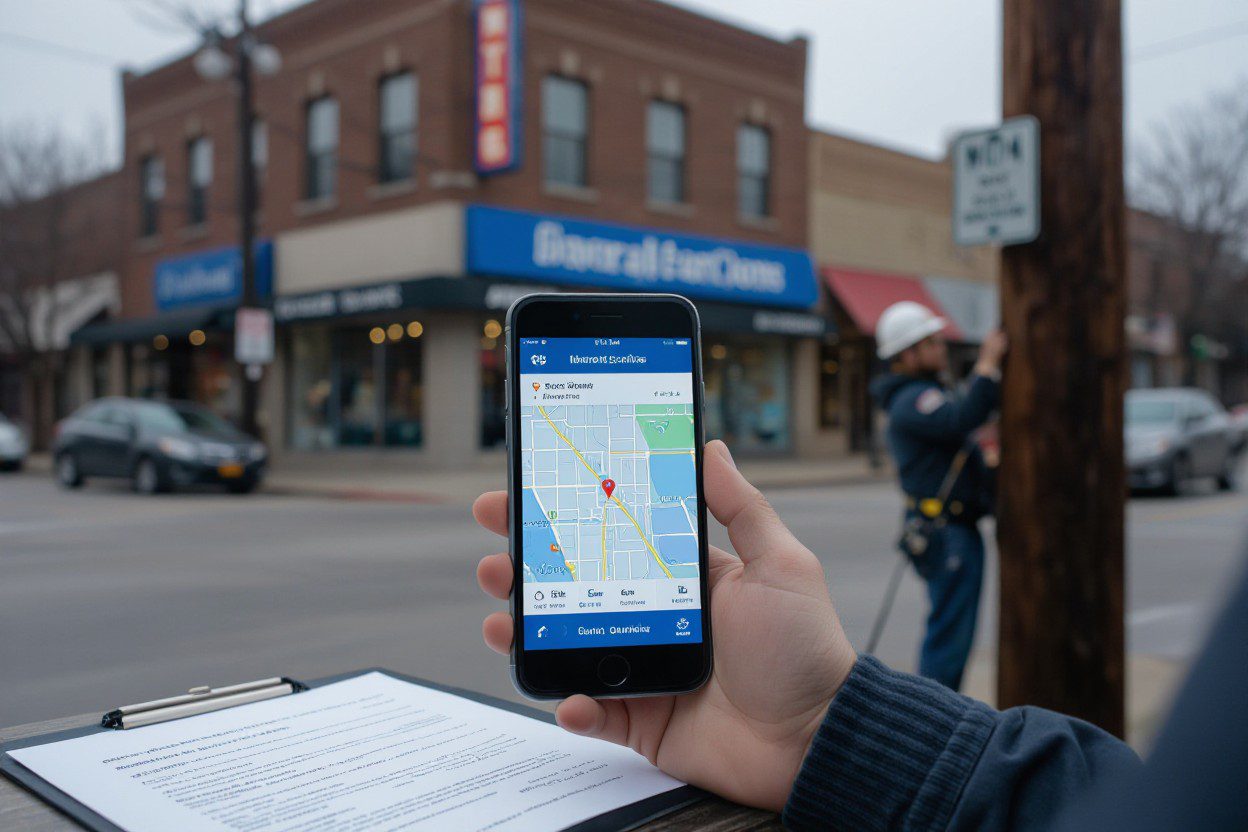
Run a series of speed tests from a wired device and over WiFi to capture download, upload, and latency differences; note your router model, wiring age, and where outages occur. Compare your results to your plan to see if you’re getting promised rates. If you live in neighborhoods with fiber builds, availability can jump from 100 Mbps cable plans to 1 Gbps fiber. These checks provide a clear picture of your internet performance in Dallas, TX, and identify areas where upgrades are necessary.
Identifying Your Needs
List your devices, simultaneous users, and tasks—video calls, 4K streaming, cloud backups, online gaming—and match them to speeds: ~25 Mbps per 4K stream, 5–10 Mbps per HD stream, and 50–200 Mbps for heavy work-from-home households. Note your peak hours and remote job needs so you can choose the right tier. Use this target bandwidth when comparing options and record it before calling providers about internet plans in Dallas, TX.
Evaluating Your Current Provider
Compare your plan’s advertised speed to your real-world tests, check for data caps, throttling policies, and average outage times; read local reviews and FCC complaint data. Ask neighbors about AT&T Fiber, Spectrum, or T‑Mobile Home Internet availability in your ZIP code and confirm modem compatibility and rental fees. Use the provider’s speed guarantees to demand fixes—many Dallas neighborhoods now have multiple high-speed options, so consider switching or upgrading if the service lags behind the advertised internet speed in Dallas, TX.
Run tests at different times (weekday morning and 7–11 pm peak) to see congestion; record your upload rates and jitter—aim for latency under 30 ms and packet loss below 1% for games and video calls. Check if your modem supports DOCSIS 3.1 or a fiber ONT, tally monthly rental fees and contract termination charges, then call with your data to negotiate credits, faster tiers, or waived install fees before you decide to switch.
Exploring High-Speed Options
Fiber lines deliver the fastest real-world performance—often 300 Mbps to 2 Gbps from AT&T and other local carriers—while cable typically runs 100–1,000 Mbps through providers; 5G and fixed wireless commonly land between 50–300 Mbps, and satellite internet providers range lower with higher latency. You can choose multi-gig fiber for heavy uploads, cable for steady downloads on a budget, or 5G for quick setup and mobility, depending on your neighborhood and internet needs in Dallas, TX.
Comparing Different Internet Types
Fiber gives symmetrical upload/download speeds and low latency, ideal if you stream 4K, run video calls, or host small servers; cable offers strong download speed but variable peak-hour performance; DSL often sits around 10–100 Mbps and depends on copper distance; 5G and fixed wireless are fast where towers are dense; satellite reaches remote spots but shows higher ping and possible data caps.
- Fiber: best for uploads, gaming, and consistent 4K streaming.
- Cable: strong downloads and widely available in urban areas.
- DSL: reliable in older neighborhoods but lower top speeds.
- 5G/Fixed Wireless: fast setup, speed varies by tower load and location.
- Any option should match your device count, peak usage times, and budget.
| Fiber | Symmetrical 100 Mbps–2+ Gbps; lowest latency and best for uploads. |
| Cable | 100–1,000 Mbps; high download speed, slower uploads and peak-time variance. |
| DSL | 10–100 Mbps; distance-sensitive, widely available in older blocks. |
| 5G / Fixed Wireless | 50–300 Mbps; quick installs, coverage depends on tower density. |
| Satellite | 25–150 Mbps; broad coverage, higher latency and potential data caps. |
Understanding Availability in Dallas TX
Coverage shifts block by block, so you should check provider maps and enter your address to see true options; AT&T Fiber and Spectrum cover many neighborhoods, while newer fiber builds appear in places like Oak Lawn and parts of East Dallas. Outskirts often rely on fixed wireless or satellite—use address checks to confirm exact availability for internet in Dallas TX.
Call local provider offices for rollout timetables, consult the FCC broadband map for a baseline, and ask neighbors about recent installs; joining interest lists or community push campaigns can accelerate fiber deployment, compare installation fees and contract terms, and test wireless signal strength on site before committing to a plan for reliable internet in Dallas TX.
Negotiating with Providers
Gather your bill, current speeds, and competitor quotes before you call. Tell the rep you want a better deal and note you’ve seen lower offers for internet in Dallas TX; state a target price — for example $40–60 for 300–500 Mbps — then ask for retention promos, waived installation or modem fees, and a price lock or prorated credit if switching is imminent.
Strategies for Discussing Pricing
Start with a clear ask: request a fixed-dollar discount, a 20–40% promo, or a guaranteed rate for 12 months. Point out your current bill math and say you’ll consider termination if the price remains high; bring up billing dates and request backdated credits if a recent hike occurred. Mentioning the competition often prompts reps to check retention deals.
Leveraging Competitor Offers
Bring screenshots or PDFs of AT&T Fiber, Spectrum, or regional carrier deals and ask the rep to match or beat them by $10–20 monthly. Tell them you prefer to stay but need equivalent speed and price; ask for written confirmation of any concession, including promo length and early termination fee waivers. Saying you’ll switch to alternatives gives you leverage.
Use the competitor quote as leverage by emailing customer service and then phoning retention if needed; many customers in Uptown have gotten providers to match offers and waive installation when presented with a dated promo. You should obtain a written order number, a clear start date for the new rate, and confirmation that hardware or activation fees have been removed before canceling any service to avoid surprises with Dallas internet transfers.
Enhancing Your Home Network
Scan your home for dead zones using a phone app and note where speeds drop below your plan’s advertised range of 100–1000 Mbps. Run Ethernet cables to smart TVs and gaming consoles for stable connections. You can set QoS to prioritize video calls, create a guest SSID for visitors, and place the router away from metal and thick walls. After testing, compare your results to your internet in Dallas TX plan before spending on new gear.
Upgrading Your Equipment
Swap an old 802.11n router for a WiFi 6 (802.11ax) model like the Asus RT‑AX86U or TP‑Link Archer AX50, and use a DOCSIS 3.1 modem for cable plans or the proper ONT for fiber. Mesh systems such as eero Pro 6 or Google Nest help homes over 2,000 sq ft. Match your hardware to the speeds your ISP advertises so you actually get the bandwidth you pay for.
Optimizing WiFi Speeds
Place the router centrally, 4–6 feet off the floor, and keep it away from microwaves and baby monitors; use 5 GHz for streaming and 2.4 GHz for range. Set 2.4 GHz to channels 1, 6, or 11 and use 80 MHz on 5 GHz when neighbors aren’t congested. Run speed tests in each room and adjust channel width or enable QoS if peak rates fall short of your internet in Dallas TX plan.
Use a WiFi analyzer (NetSpot, WiFi Analyzer) to map interference and pick the clearest channels; enable beamforming and MU‑MIMO on compatible routers. For multi‑story homes, use wire mesh nodes with Ethernet backhaul or use powerline adapters as a fallback. Update firmware monthly, enable WPA3 security, and test download/upload at peak hours to see how Dallas internet congestion affects your speeds.
Staying Informed on Internet Trends
Watch provider announcements, FCC filings, and local press to spot upgrades and outages; you can use the FCC broadband map and sites like BroadbandNow to compare reports. Expect fiber and 5G fixed wireless to continue expanding, with many providers now offering 1 Gbps plans and higher. Tracking these sources helps you time switches and upgrades to improve your internet in Dallas TX.
Keeping Up with Local Developments
Scan Dallas City Council agendas, public works permit logs, and neighborhood groups on Nextdoor or Facebook to catch planned fiber rolls or utility pole work. You can subscribe to the Dallas Morning News tech feed or sign up for ISP newsletters from AT&T and Spectrum for neighborhood-specific notices and outage alerts.
Watching for Infrastructure Improvements
Track construction signs, new telecom crews, and pole replacement projects that often signal upcoming fiber builds; contractors typically file permits before crews arrive. Use the city permit portal and state utility notifications to see where crews will install conduit or aerial strand, helping you predict when faster Dallas internet will reach your block and which providers may follow.
Drill down by checking municipal permit IDs and contacting the city broadband liaison to confirm timelines; permit entries usually list scope—underground conduit, aerial strand, or handhole work—and estimated completion dates. Compare permit addresses against ISP expansion maps and call provider build-out hotlines to ask about availability windows for internet in Dallas TX and alternative interim options like 5G fixed wireless where fiber rollout is delayed.
Wrapping Things Up
To get better internet in Dallas TX you should compare providers, choose fiber or cable plans, upgrade your router, and optimize your home network. Doing these steps helps you find the best options and boost speeds. If you shop for local deals and test speeds, your internet will be more reliable for streaming and work. Finally, contact providers about full-fiber network availability to secure the fastest internet in Dallas, TX, and lock in a plan that fits your needs. Here at Skylink WiFi, we are committed to helping you find the right solutions for your home.
FAQs
Q: How can I tell if my current internet speed is good enough?
A: You should run a speed test from a wired connection to get a baseline and compare it against your plan’s advertised speeds. A good connection for one person may not be enough for a family. For example, a household with multiple users who stream 4K video, game online, or work from home will need at least 100-200 Mbps to avoid lag. Our guide explains how to match your speed needs to your usage patterns.
Q: What’s the main difference between fiber and cable internet in Dallas TX?
A: Fiber internet uses light signals for fast, symmetrical speeds (equal download and upload), and is best for heavy usage like video conferencing and gaming. Cable internet utilizes coaxial cables and typically offers fast download speeds but slower upload speeds, with performance that can fluctuate during peak hours. Availability for both types of service can vary significantly by neighborhood in Dallas.
Q: How can I improve my WiFi speed and signal at home?
A: Start by placing your router in a central, elevated location away from thick walls and appliances. For older equipment, consider upgrading to a WiFi 6 router. Using a mesh WiFi system can eliminate dead spots in larger homes. You can also connect devices like smart TVs and gaming consoles directly with an Ethernet cable to free up WiFi bandwidth for other devices.
Q: Is fiber internet available everywhere in Dallas?
A: No, while fiber networks are expanding rapidly in Dallas, they are not yet available everywhere. You need to check availability by entering your specific address on provider websites like AT&T’s or using third-party tools like the FCC broadband map. Some Dallas neighborhoods have multiple fiber options, while others may still rely on cable, DSL, or fixed wireless.
Q: How can I negotiate for a better price on my internet bill?
A: Call your current provider’s retention department with a clear ask for a lower rate. Be prepared with screenshots of competitor offers in your area and mention that you are considering switching. Ask for special promotions, waived equipment fees, or a price lock for a specific period to get a better deal on your internet.
Struggling with slow internet? Don’t settle for less. Call us today or visit our website to discover how Skylink WiFi can help you get the fast and reliable internet in Dallas, TX, that you deserve.
How Will LTE Technology Evolve with 5G? A Critical Look.
Technical Features of 5G WiFi Routers and Pocket WiFi Devices
A Technical Look at Wireless Communications and Device Integration