
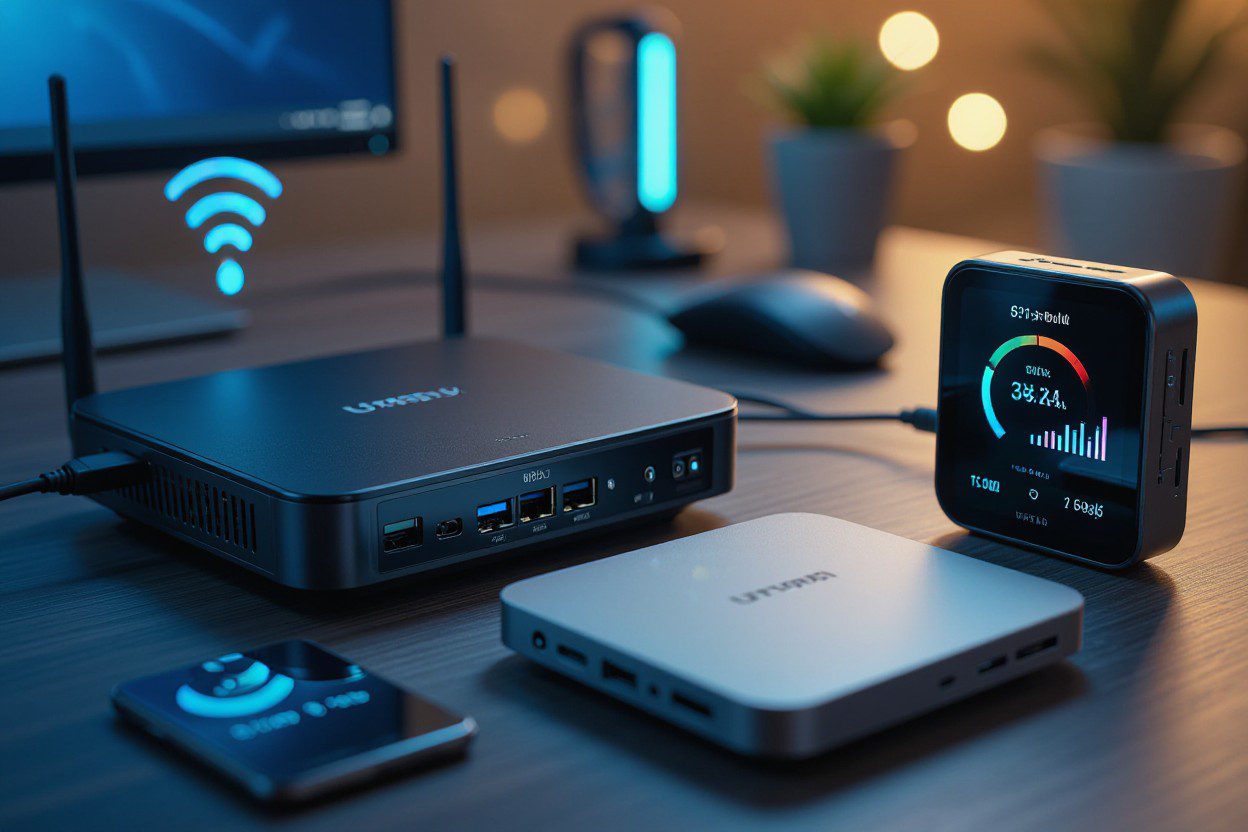
If you’ve ever checked your WiFi list and found strange device names, you’re not alone. Many people ask, “What is an IoT device on my WiFi?” As more homes use smart gadgets, it’s common to see new connected devices show up on your network. At Skylink WiFi, we help homeowners understand their smart home, keep their network secure, and get the best performance from all their connected devices.
In this guide, we’ll break down what IoT means, how these devices work, the benefits they bring, the risks to look out for, and how you can manage them with ease.
Understanding IoT Devices in Your Home Network
IoT stands for Internet of Things, which simply refers to devices connected to the internet that share data or automate tasks. These can include smart devices, small sensors, or any internet-connected devices that run on your WiFi network.
Common examples include:
- smart lighting
- smart thermostats
- security systems
- Google home
- Alexa devices
- wearables
- connected cars
- smartphones
- smart home devices like plugs, cameras, or locks
These physical devices use your router to connect to the cloud, exchange data, run apps, and even use AI and machine learning for fast responses. This is how your lights turn on with your voice or how your camera alerts you when it detects movement.
How IoT Devices Work on Your WiFi Network
When you bring home a new device like a smart bulb or smart speaker, you connect it to your wireless network. Once connected, it becomes a part of your IoT network and starts sending and receiving real-time data.
How IoT devices work:
- Connect to WiFi – They link to your router like any other device.
- Transmit data – Many IoT devices send sensor data or updates to the cloud.
- Automate tasks – They respond to triggers, such as a schedule or voice command.
- Use analytics and computing – Some rely on edge computing, AI, or machine learning to make fast decisions.
- Provide insights – IoT devices help track usage, monitor energy usage, or improve comfort.
The number of IoT devices in homes keeps growing each year. Today, many homes have many IoT devices running at once — from TVs and doorbells to appliances and alarms.
Why You See Unknown IoT Devices on Your WiFi
Sometimes device names on your network look confusing. Generic names like “ESPxxxx” or “SmartPlug123” are common. These can come from:
- smart bulbs
- smart plugs
- TV sticks
- speakers
- cameras
- baby monitors
- door sensors
Many internet-enabled devices don’t show a clear name. But most of them are safe and simply part of your network of interconnected home tools.
Benefits of IoT Devices in Your Home
IoT devices bring many perks that help you save time, enjoy comfort, and even reduce costs.
Here’s how IoT devices help:
- Automate daily tasks like lighting or temperature
- Improve energy use through IoT analytics
- Boost security with smart cameras
- Make life easier by using devices like smart speakers
- Provide real-time alerts for home safety
- Make your smart home more efficient
- Allow predictive maintenance for appliances
These IoT applications are part of why more people choose smart upgrades every year.
Common Uses of IoT Devices in Everyday Life
IoT is everywhere. You may already be using several devices without realizing it.
Popular use cases include:
- Home security systems
- Smartphones controlling lights or locks
- Wearables tracking health
- Smart lighting that adjusts to your routine
- IoT sensors checking temperature, leaks, or air quality
- Connected cars offering updates
- Smart thermostats
- Mobile devices managing your home remotely
These IoT technologies keep growing as the technology space expands.
Why IoT Devices Need Strong Security
While IoT devices are helpful, they can also be vulnerable to security threats. Because many gadgets are low power and always connected, they can be targets for hacking. This makes IoT security very important.
Risks to consider:
- Weak passwords
- Outdated software
- Unsecured WiFi network
- Too many devices connected to the internet
- Poor data management by low-quality products
Your security and privacy should always come first when building your IoT system. A secure home network protects your devices, your personal data, and your daily life.
How to Manage IoT Devices on Your WiFi
Managing many devices can feel overwhelming, but it’s easier when you know what to look for.
Tips for managing your IoT network:
- Use strong WiFi passwords
- Create a separate guest network for smart gadgets
- Update device apps and firmware
- Check your router’s device list regularly
- Remove unknown or unused devices
- Choose trusted brands with strong cybersecurity features
Your devices should only be connected when they are safe, up to date, and needed. Good IoT device management reduces problems, improves speed, and keeps your network secure.
How IoT Devices Impact Your Internet Speed
If you have too many gadgets, your WiFi may slow down. This happens because billion IoT devices worldwide are sharing the same type of network connections.
Reasons your network slows down:
- Too many devices are using the bandwidth
- Heavy IoT data exchange
- Older routers that cannot handle interconnected devices
- Devices running in the background
A good IoT solution is to upgrade your router or strengthen your home network setup.
Do IoT Devices Use AI?
Yes, many do. Modern IoT devices use a mix of artificial intelligence (AI) and machine learning to make decisions. These help devices:
- predict your habits
- send smarter alerts
- automate tasks faster
- process data better
Artificial intelligence and machine learning also make devices safer and more reliable, especially in homes with advanced automation.
FAQs
1. Why does my WiFi show unknown IoT devices?
Many smart gadgets don’t use clear names. Items like TVs, plugs, or bulbs often appear with generic model numbers.
2. Are IoT devices safe to connect to my network?
Yes, but they need strong passwords, up-to-date software, and secure Wi-Fi settings to reduce risks.
3. How can I tell which device belongs to which name?
You can turn devices off one by one and check your router list to match each device to its corresponding port.
4. Do IoT devices slow down my WiFi?
They can if you have many devices running at once or use an older router.
5. What’s the difference between IoT devices and regular devices?
IoT devices automate tasks, use sensor data, and connect to the cloud to exchange information. Regular devices like laptops don’t automate tasks.
Final Thoughts
Understanding what is an IoT device on my WiFi helps you stay informed, stay protected, and make better choices as your smart home grows. These internet-connected tools offer comfort, automation, energy savings, and security. And with help from Skylink WiFi, you can build a reliable, secure, and fast home network that supports all your connected IoT devices.
Ready to upgrade your home network and manage your smart devices with confidence? Skylink WiFi offers powerful WiFi packages, router setup, mesh systems, and home network services that keep your connected devices running smoothly. Call us at (469) 972-4459 to know more.
Also Read:
Discover What is IoT Device Management: Ultimate Guide
How Do You Get Better Internet In Dallas TX: 5 Simple Steps
How Will LTE Technology Evolve with 5G? A Critical Look.
Technical Features of 5G WiFi Routers and Pocket WiFi Devices